Investment School
Learn investing without leaving the app.
The Learn page is a built-in course: short lessons, quizzes, flashcards and practice trading, plus setup guides for Soritch itself and a builder for writing your own modules.
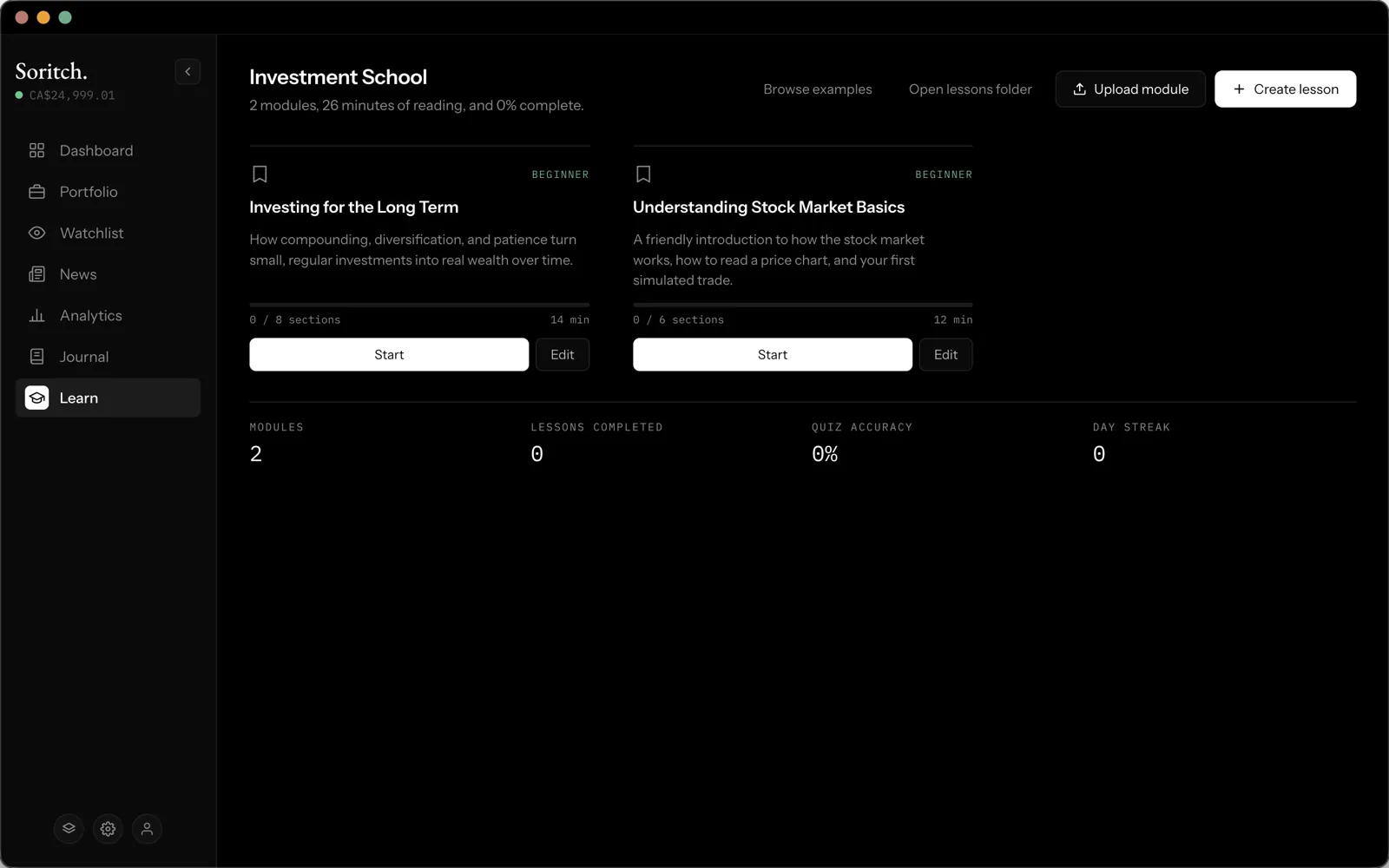
Finding a module
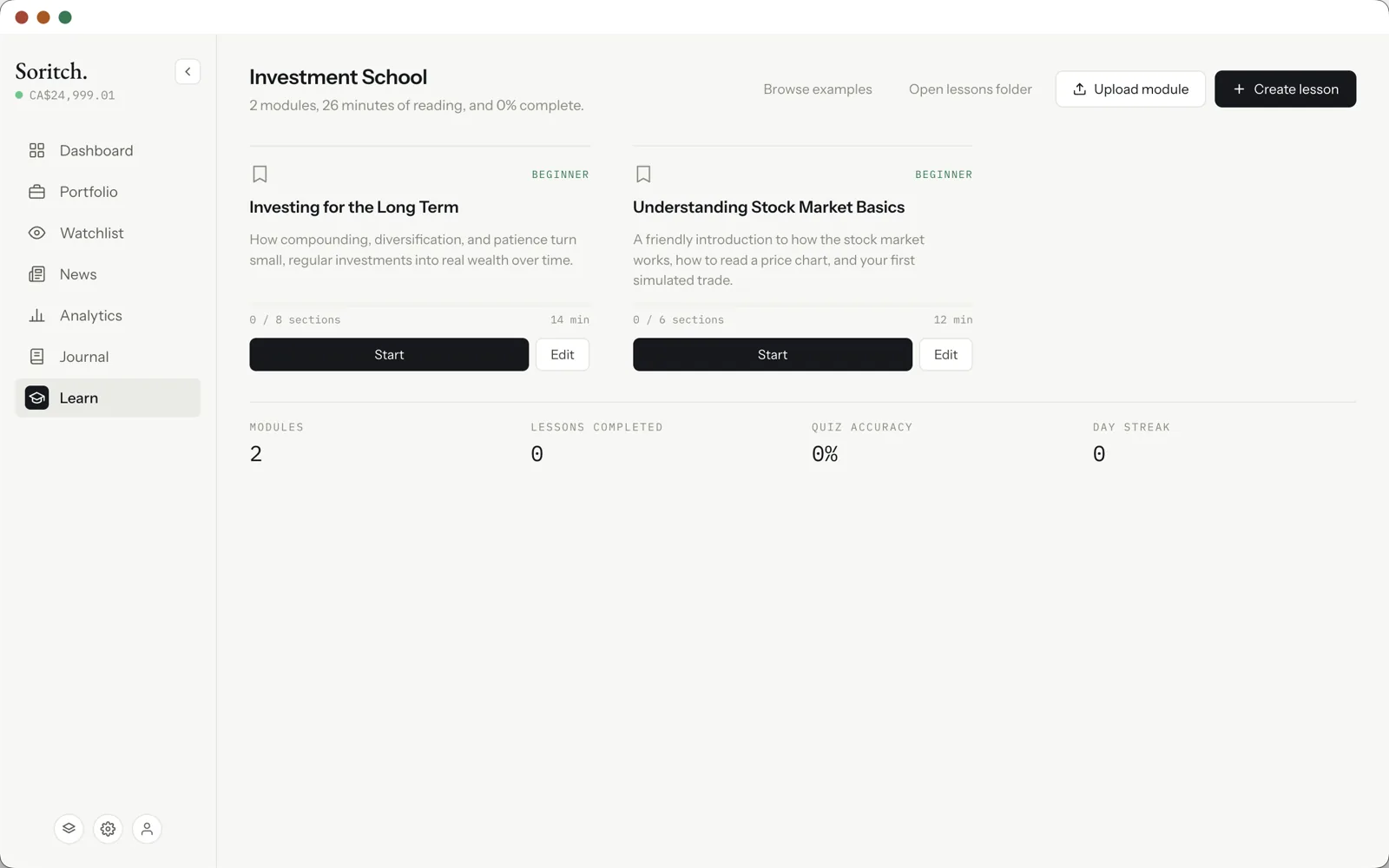
Modules are grouped into Setup (connecting your API keys inside the app) and Lessons (investing topics). Each card shows a difficulty, how many sections it has and roughly how long it takes. Click Start to begin, or the bookmark to save it for later.
Inside a module
A sidebar lists every section and marks which ones you’ve finished. There are five kinds of section:
Tracking progress
The bottom of the page shows how many modules you have, lessons completed, your quiz accuracy and your day streak, which grows on each day you study in a row.
More modules
- Browse examples — install bundled starter modules with one click.
- Upload module — add a module file someone shared with you.
- Open lessons folder — see the module files on your computer.
Writing your own
Create lesson (or Edit on any card) opens a builder. Set the title, description, difficulty and time, then add and reorder sections, each with a form for its type. Saving checks the module and adds it to your library; exporting saves it to a file to share.